

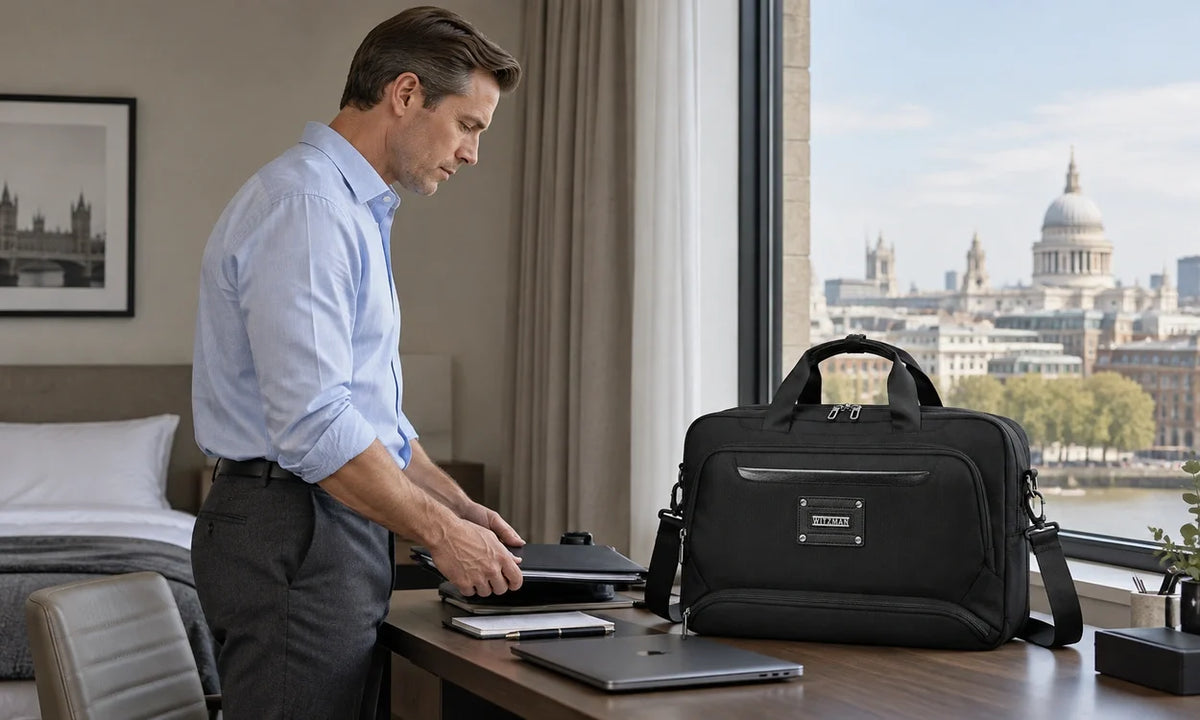
The laptop is still on the hotel desk. You are dressed, the first coffee stop is nearby, and the day ahead contains a museum, a long walk and dinner somewhere you have not chosen yet. A crossbody bag for iPad makes sense if the tablet has a specific job: reading over breakfast, making notes or reviewing a few photographs. If it is coming along only because the laptop is staying behind, leave both.
This is a proposed city-day setup, not a personal trip diary or a hands-on device-fit test. It starts with the work you want to do, then builds a small load around it. The aim is not to recreate a laptop desk inside a shoulder bag.
Before the Door Closes: What Will the Tablet Actually Do?
Name one thing that would be meaningfully better on the tablet than on your phone. Reading a long exhibition essay is a reasonable answer. Following a walking route usually is not, unless a larger map is genuinely useful to you. Making detailed handwritten sketches may justify the tablet and stylus; saving the name of a restaurant rarely does.
Work backward from the task rather than forward from the accessories you own. This also separates a laptop-free day from a laptop-free trip. You can leave the computer at your accommodation and return to it for work later, without pretending a tablet replaces every desktop workflow.
| Task | Reason to bring the tablet | What to leave behind |
|---|---|---|
| Reading | A sustained reading session on a larger screen | Keyboard, mouse and duplicate paper guide |
| Maps and bookings | Seated route planning, not constant street navigation | Tablet itself if the phone handles the whole day |
| Notes and sketches | Your actual note-taking app and compatible stylus | Multiple notebooks and unused drawing tools |
| Photo review | A tested import-and-review workflow for a limited selection | Adapters or drives with no demonstrated use that day |
Before leaving, rehearse the complete task once. Open the saved reading material without Wi-Fi. Load the route you intend to use. Make a note, close the app and find it again. If photographs are the reason for carrying the tablet, try importing, editing and exporting one representative file with your own device, app and cable. A plan that stops at opening an app is not yet a working travel setup.
For the broader decision about leaving the main travel bag at your accommodation, the one bag versus 1.5 bag travel guide covers the destination-day role. Here, the narrower question is whether the tablet earns its share of that smaller bag.
Morning Coffee: Bring a Reading Setup, Not a Mobile Office
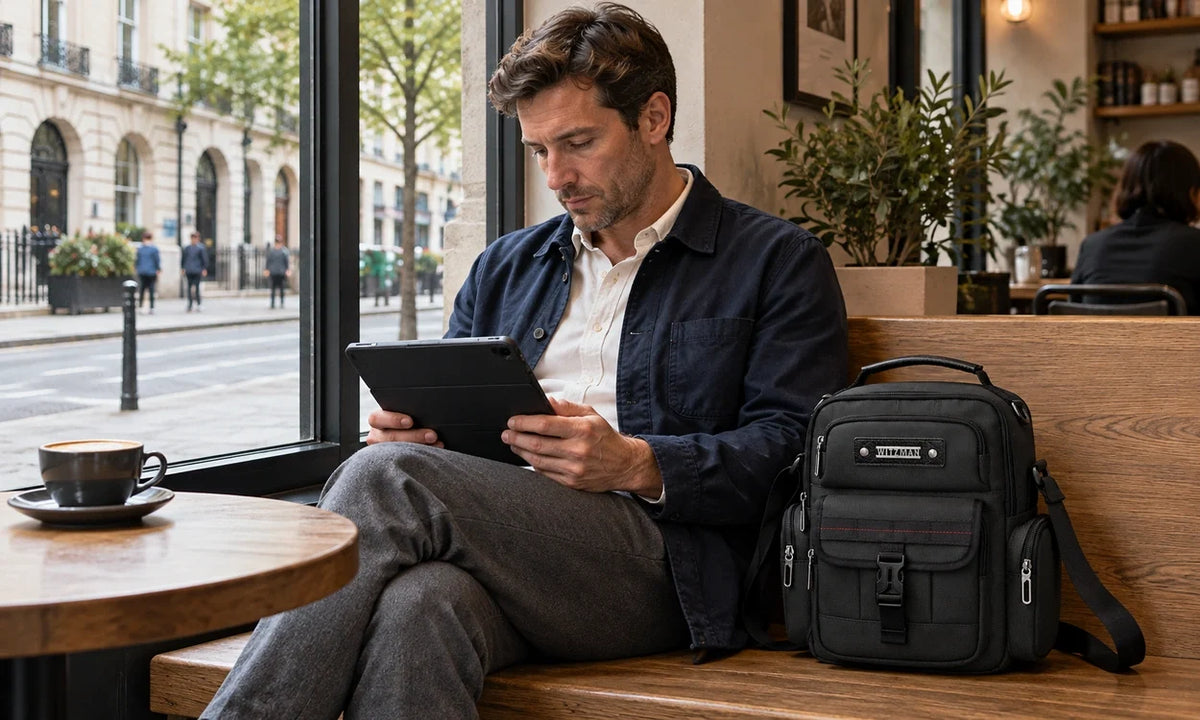
A window table is where the larger screen can justify itself. Take out the tablet, open the folio and read. Keep the cup away from the device, and keep the bag within reach rather than hanging it unattended behind the chair. The useful setup is one you can put away without a small equipment teardown.
Start with the tablet in its everyday protective case, your phone, wallet, room key and the smallest charging arrangement that serves the actual outing. Add a stylus only if notes or sketches are planned. Carry one compatible cable if it has a likely use; a wall charger belongs in the bag when you expect to use an outlet, not simply because it normally lives beside the tablet.
A power bank is a choice, not a compulsory layer on top of every charger. Base it on the condition of your devices, expected use and opportunities to recharge. Charging arrangements vary by device, so verify connectors and output compatibility at home. Do not discover a dead cable when the phone is also carrying your return ticket.
Before standing up, close the folio and return the tablet to its own compartment. Put the cable back in the same small pouch. This is the first useful test of the load: can you restore it while seated, without setting the wallet and keys loose on the table?
Museum to Street: When Should the Screen Stay Packed?
Use the phone for the short interactions that do not benefit from a large screen: checking a turn, showing a booking or messaging a companion. Keep the tablet packed between deliberate stops. Taking it out at every corner makes the larger device another object to manage instead of a reason to enjoy the walk.
If you want to record a building detail or a thought about an exhibition, step out of the pedestrian flow first. Use a bench or stable ledge when appropriate, then put the tablet away before moving on. Follow the venue's current photography, device and bag rules; a compact crossbody is not an automatic exemption from a bag check or cloakroom requirement.

A deliberate stop for notes keeps the larger screen out of the walking routine. AI-created lifestyle illustration, not a documented product-use or fit test.
Close each compartment after taking something out. In a queue, move the bag to a position where you can monitor its openings. A rear pocket may keep a wallet out of casual view, but it does not make the bag theft-proof. For strap placement and the path your hand takes to the zipper, see left- versus right-shoulder carry; use its access checks without assuming every crossbody has a reversible sling strap.
During the walk, watch what makes you stop. If the only repeated interruption is finding the transit card, move the card. If the whole load feels cumbersome, remove weight or change carry systems. More compartments will not solve a tablet that did not need to come.
Late Afternoon: A Short Route-and-Photo Session
At the next seated stop, use the tablet for the job that benefits from the larger surface: compare tomorrow's neighborhoods, mark a few places on a map or review selected photographs. Keep the session bounded. Sorting a handful of images over a drink is a different task from importing an entire camera card and maintaining a working archive.
If a camera is involved, prove the full workflow before the trip: compatible reader or cable, available storage, supported file format, editing app and intended save location. Check that the exported file opens where you need it. Do not erase originals merely because a preview appeared on the tablet, and do not treat an unverified cloud upload as a completed backup.
For a phone-only photographer, the best accessory may be no accessory. Review whether the tablet adds anything beyond the phone's existing photo library. If not, put the reader, drive and extra lead back in the room. To travel without a laptop successfully is to remove unnecessary work from the day, not recreate it with smaller hardware.
The Fit Check: Which iPad, Which Case, Which Opening?
A tablet bag for city travel must accommodate the device you actually carry, not just its screen category. Start with the exact model and generation. If you are unsure, Apple's iPad model identification guide explains how to match the model number. That establishes the device identity; it does not establish compatibility with a particular bag.
Now keep the usual case fitted and measure the complete outside height, width and thickness. Include a stylus holder, protruding closure or keyboard cover if it travels with the tablet. A screen diagonal is not the same thing as the rectangular space the assembled device occupies.
- Confirm the compartment, not the shell. Ask for usable internal tablet-compartment dimensions and zipper-opening clearance. A bag's exterior measurements include fabric, padding, curves and other pockets.
- Check the entry path. With the actual bag available, insert the cased tablet gently. It should not need the opening stretched, the corners forced or the case removed to match your intended setup.
- Repeat with the rest of the load. Add the charger, wallet and other daily items. Close the compartment without pressing the device into place, then retrieve it again. A successful empty-bag fit can become an awkward loaded-bag fit.
If buying remotely and the internal dimensions are unavailable, compatibility remains unresolved. Request confirmation for the named model and case, and review the current return terms before ordering. Do not substitute a generated lifestyle picture or a photograph of a bare tablet for that check.
The same reasoning applies to other tablets. A broadly similar screen size is a useful starting point for a question, not proof of equal body dimensions or case clearance.
Give the Tablet a Zone, Then Make the Other Items Behave
Begin with the cased tablet in its dedicated compartment. Put the compact charging items in a separate pouch or organizer space so plugs and keys are not loose against the device. Do not pack a rigid charger as a lump pressing into the screen through a divider. A compartment organizes contact; it is not a promise of crush protection.
Assign the phone and transit card to the access point you can reach without opening the tablet section. Keep the wallet in a closed position you can monitor. Use a pen slot for a pen, not as an assumed stylus holder: check the accessory's diameter and retention before relying on it. Put tissues and other soft small items in the remaining space without filling every gap.
Water, an umbrella and an extra layer change the decision. If carried, a bottle needs a secure upright position that does not press on the tablet; do not assume a side zipper pocket is a bottle holder. Put a wet umbrella in a separate leak-resistant cover, not against electronics. When the day's weather and purchases require more than the crossbody can carry comfortably, choose a larger two-strap day bag.
Close the bag and repeat three normal actions: sit, walk and retrieve the phone. Then take out the tablet while seated. If the pouch must come out first every time, rearrange it. If rearranging changes nothing, reduce the load. These checks are more useful than counting the pockets you have managed to fill.
Where B782 Fits This Day
The WITZMAN B782 nylon crossbody is the primary option here: an upright bag with a dedicated tablet compartment and separate front storage for small essentials. WITZMAN lists approximately 13L, exterior dimensions of 27.2 x 31.8 x 14cm and an empty weight of 0.75kg.

Manufacturer gallery image showing the rear compartment layout. The pictured device does not verify your particular iPad generation, protective case or loaded setup.
The listing says up to an 11-inch iPad, but does not supply usable sleeve or opening measurements. Verify your cased device before purchase. Its recycled nylon shell is described as water-resistant, not waterproof; protect electronics separately when conditions require it. This recommendation is based on listed specifications and layout, not a hands-on carry test.
Prefer a canvas look? The A8039 canvas crossbody is the conditional alternative, with a buckle flap and front webbing. Its listed capacity is approximately 11L, exterior dimensions 27.2 x 13.2 x 27.9cm and empty weight 0.95kg. It also lists up to an 11-inch iPad. Apply the same cased-device check; the smaller capacity and heavier empty weight are worth considering rather than choosing on appearance alone.
When the Laptop or a Different Bag Should Come Instead
Bring the laptop when a specific required task depends on software, file handling, keyboard input or peripherals your tablet setup cannot reliably support. Examples include a work system you have not verified on the tablet, a long document that needs desktop formatting, or a camera workflow beyond the storage and tools you have tested. A holiday is not the best time to improvise around an essential deadline.
Change the bag when the load, rather than the computing task, is the problem. A tablet, thick keyboard case, large power bank, full bottle, camera and outer layer may no longer be a modest one-shoulder setup. Neither a pocket count nor a liter label establishes all-day comfort. If the loaded bag causes discomfort or repeatedly swings into your arm, lighten it or use two shoulder straps.
For differences in how the bag sits and opens, the sling versus crossbody comparison is a separate form-factor decision. Choose that after defining the load, not as a way to avoid doing so.
Back at the hotel, empty the city break day bag before charging the devices. Separate used tissues, receipts and damp items. Notice what stayed untouched: the spare cable, reader or notebook is a candidate to leave behind tomorrow. Keep the items that supported a real task. The most useful tablet setup is not the one that carries every possible tool; it is the one you can take out, use and put away without interrupting the day.
Product specifications checked against WITZMAN's official listings on October 20, 2026. Cover and courtyard scenes are AI-created editorial illustrations; the compartment photograph is from WITZMAN's product gallery. No physical device-fit or comfort test is claimed.

Compartir:
Thanksgiving Weekend Packing List: One Duffel for the Trip Home